Questions people
actually ask us.
Straight answers on how we work, how to use our guides without risking your data, and where our help ends and a technician’s begins.
Still need help?
Can't find your issue? Contact our support team and we'll get back to you as soon as possible.
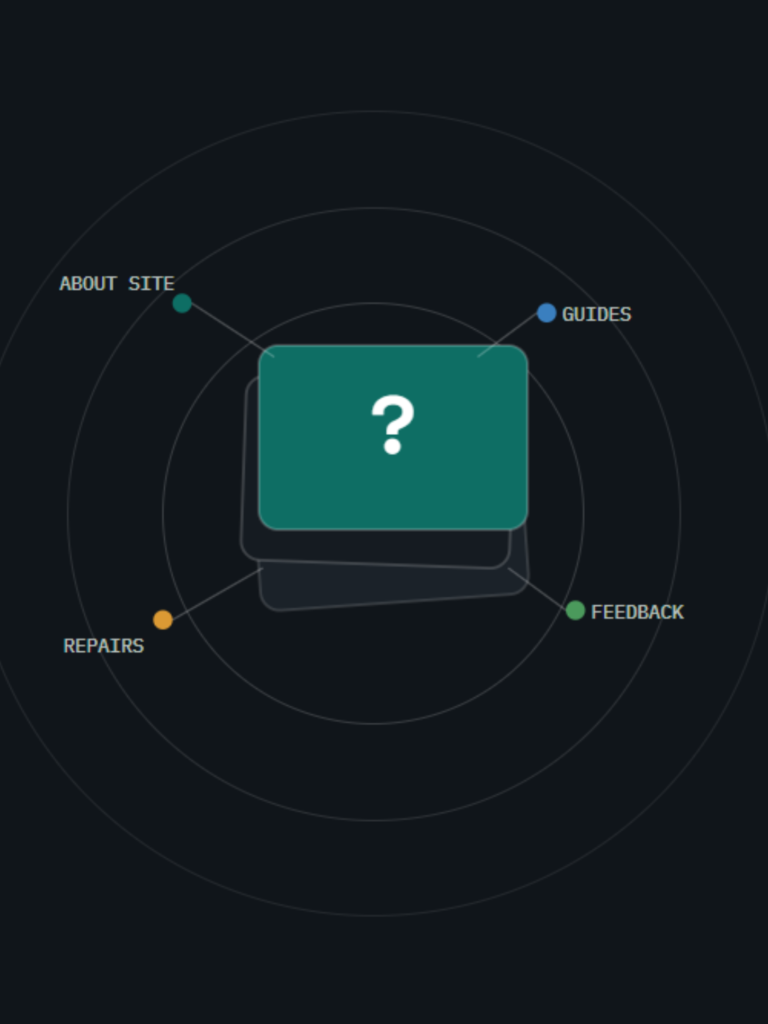
Pick a topic, or just scroll.
Each group is colour-coded so you can jump straight to what you need.
About this site
Are you the official manufacturer support site?
No — we’re a fully independent guide site with no ties to any device manufacturer. Product names and trademarks belong to their owners; for warranty claims, go straight to the manufacturer.
Who actually writes the guides?
An editorial team researches and drafts each one, checks it against current device behaviour, and revisits it as software changes. Our Editorial Policy covers the full process.
Does it cost anything to use?
Nothing. Every guide is free to read. The site is supported by ads, kept clearly separate from the guides themselves.
Using our guides
What's the fastest way to force-restart a device?
Tap Volume Up, then Volume Down, then hold the Side button until the logo shows. It clears most freezes and black screens without touching your data.
Could following your steps wipe my data?
Regular steps — restarts, setting changes, updates — leave your data alone. Anywhere a step risks your data, like a restore, we flag it up front and tell you to back up first.
My menus don't match your screenshots — now what?
Layouts shift slightly across models and software versions. We point to the general path (Settings › Battery, for example) so you can find the matching option even if the wording differs.
Repairs & data
Do you repair devices yourselves?
No — we’re an information resource, not a repair shop. Our guides explain how a repair works so you can walk into a shop already informed.
How do I back up before trying a fix?
Turn on cloud backup under Settings › your name, or connect to a computer and back up through its device-management app. Do this before any step that touches system files.
Can you point me to a repair shop?
We stay neutral on specific businesses. Look for a shop that’s upfront about parts quality, and check what’s left of your warranty before you book anything.
Let's get your device working again
Search the library or tell us exactly what’s wrong — we’ll point you to the right fix, step by step.